
Our process for optimizing your business presence on Google My Business starts with setup and verification, followed by optimization, content updates, and ongoing performance tracking to ensure consistent local visibility.
Need help managing your business profile? Contact us today and let us improve your local presence.

Our Google My Business service helps your business appear in local searches, attract nearby customers, and build trust online.
We focus on:
With our expertise, your business can stand out locally and attract more customers.
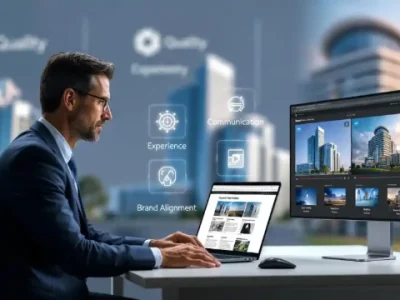



Welcome to your Ajmal tech solution preview. This section is designed to showcase how your content will look. Replace this text with meaningful information about your services, products, or brand.
Log in to your Google My Business dashboard, edit your details, and save changes to update instantly.
You can view and respond to reviews directly from your dashboard to build trust and engagement with customers.
Verification can be completed via postcard, phone, or email depending on your business eligibility.
Use the “Add business” option in your dashboard or upload locations in bulk using a spreadsheet if you manage many branches.
Go to “Edit profile,” select “Business information,” then update your hours. You can also add special hours for holidays or events.
Be polite, thank customers for positive feedback, and address concerns in negative reviews calmly. Offer solutions and show that you value customer input.
Keep your profile complete and accurate, add photos regularly, collect positive reviews, use relevant keywords, and post updates frequently.
Edit your address in the “Business information” section. You can also adjust the map pin to ensure accurate location details.
Turn on messaging in your dashboard and install the Google Maps app to respond to customer inquiries quickly.
Google typically offers verification via postcard, phone, email, or video. Follow the instructions in your dashboard, enter the verification code (if applicable), and complete the process to confirm your business ownership.
A full-stack digital marketing & growth agency that also trains businesses, freelancers, and students.
+92-332-0829150
+971-50-1237603
Ajmal Tech Solution
© Copyright 2026 Ajmal Tech Solution. All Rights Reserved.